Before you begin
- Your ordinary intake questions
- A Spanish-speaking colleague to review the test when available
Step 1
Begin a conversation in Spanish
Start with the greeting you configured, then ask a routine service question in Spanish. Penny follows the caller’s language without a separate phone number or a language surcharge.
Step 2
Change languages during the conversation
Switch to English for a detail, then return to Spanish. Use a real street name or service term that your customers use. Check the captured text for the spelling the office needs.
Step 3
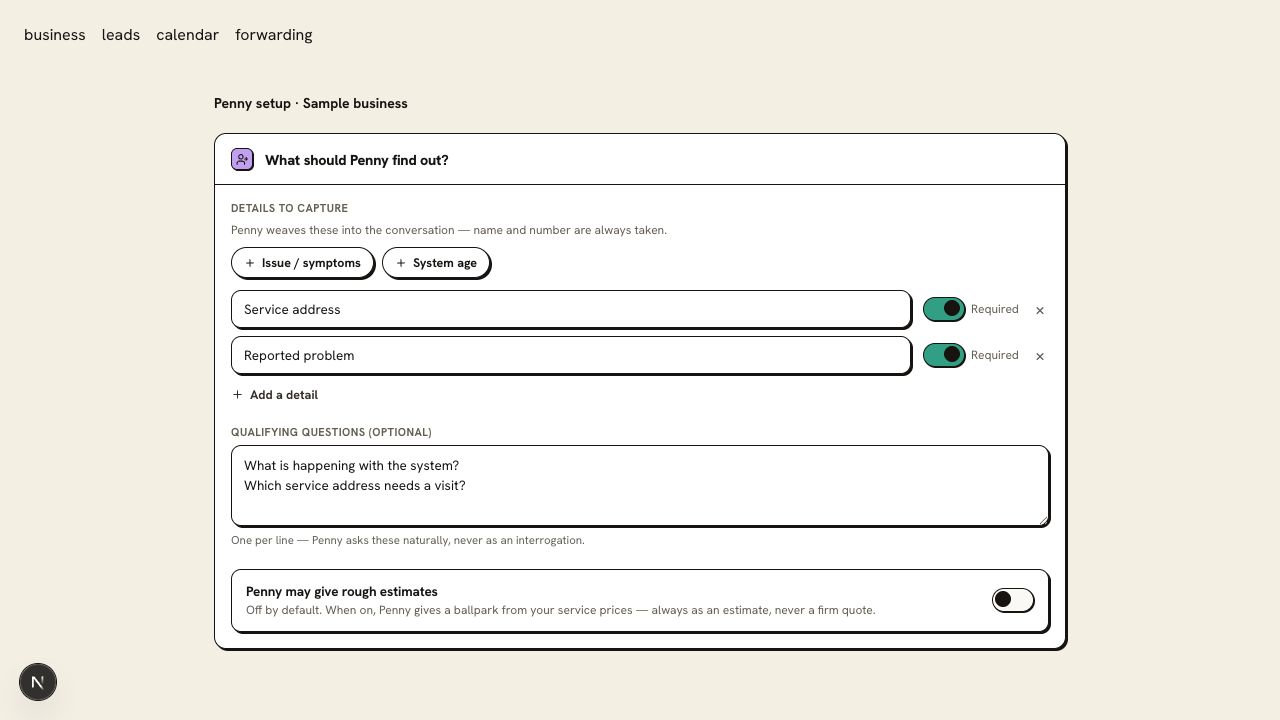
Test the same required fields and rules
Ask for an appointment and provide the service address and callback number. On Free, check the request sent to your office for confirmation. On a paid plan or trial, inspect the booked calendar time. Test phone transfers only on a paid plan or trial, with your receiving contact prepared.
You are ready when
The conversation follows the caller’s language while the intake requirements and business rules remain consistent.
If the test does not pass
- If a name or street is captured incorrectly, spell it during the test and inspect the final record.
- Have the person responsible for your emergency wording review that wording in both languages before launch.
Questions about this setup
Does Spanish need another number or an add-on?
No. Penny follows English and Spanish in the same conversation. Both languages are included on your plan; voice requires a paid plan or trial.
What should I check beyond the greeting?
Use a street name, a service term, and a booking request. Inspect the captured address and agreed time, and have a Spanish-speaking colleague review the conversation when available.