Before you begin
- Your configured Penny account
- For booking tests, a paid plan or trial and a test calendar opening
- For transfer tests, your contact available and the relevant paid plan or trial
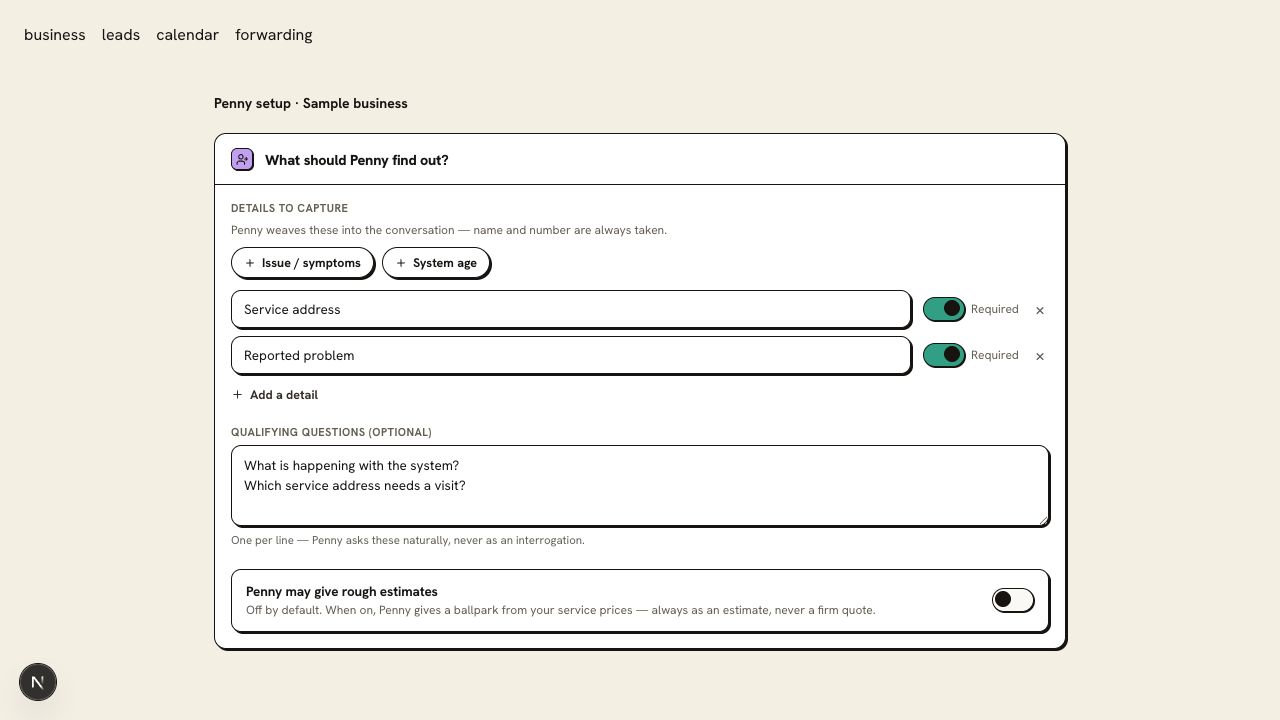
Step 1
Ask about a service and the edge of your area
Use your own configured Penny, not Penny’s public line. Ask about a service your shop offers and a town just outside your area. Compare the answers with your saved information.
Step 2
Book a routine visit and leave one detail out
On a paid plan or trial, request an appointment without volunteering a required field. Confirm Penny asks for it before booking, then supply it and inspect the agreed calendar event. On Free, make a website appointment request and check the details sent to your office; Free does not reserve a calendar slot.
Step 3
Try a full calendar or a callback request
On a paid plan or trial, ask for a time your calendar does not allow. On any plan, say you prefer the office to follow up. The result should be an unconfirmed request with your preference recorded for the team.
Step 4
Test the urgent-call rule with your team prepared
For phone handling on a paid plan or trial, read a scenario from your approved rulebook. Listen for the caller instruction and check the transfer destination. Arrange a second test where the contact doesn’t answer: Penny should come back on the line, take a message, and email it to you. Free website chat can be tested for its approved safety wording and request capture, without a phone transfer.
Use a scripted test with your team; do not call emergency services as part of a product test.
Step 5
Read the transcript and the receiving record
Check the callback number, service address, booking status, and notification. If you send call details to Jobber, Housecall Pro, Zapier, or a webhook, check the destination too. Repeat the relevant test after correcting a setting.
You are ready when
Your office can act on the record without guessing what was booked, what was requested, or which transfer connected.
If the test does not pass
- If a response differs from your procedure, identify the source setting or rule and retest that scenario.
- If Penny’s public line answers differently, remember that it runs on settings of its own; your account uses your business settings.
Questions about this setup
Will a test call ring my on-call contact?
Yes, if the scenario triggers a transfer. Arrange the test with that person first. A call to your Penny number is an ordinary call: it uses your minutes, sends the summary email, and reaches your automations and your field-service software. Remove the sample appointment when finished.
Can I test without calling?
Yes. Try Penny in your dashboard runs your saved settings in a chat. It shows in your inbox marked Test and sends nothing to your automations or your field-service software. Phone, transfer, and urgent-rule tests need a real call to your Penny number.
What should I change if the record is missing an address?
Open Settings → Leads and messages and check that the service address is included and marked required for booking. Repeat the same scenario and inspect the result before changing unrelated settings.