For an office that wants the booking finished
Penny books the visit on the calendar your crew already checks.
A caller asks for Thursday morning. Penny checks Google Calendar or Outlook, collects your required details, and books an available time within your hours. Your crew opens the appointment and sees the job they have agreed to take.
Included on Starter and above
14 days of Pro included. No credit card.
01
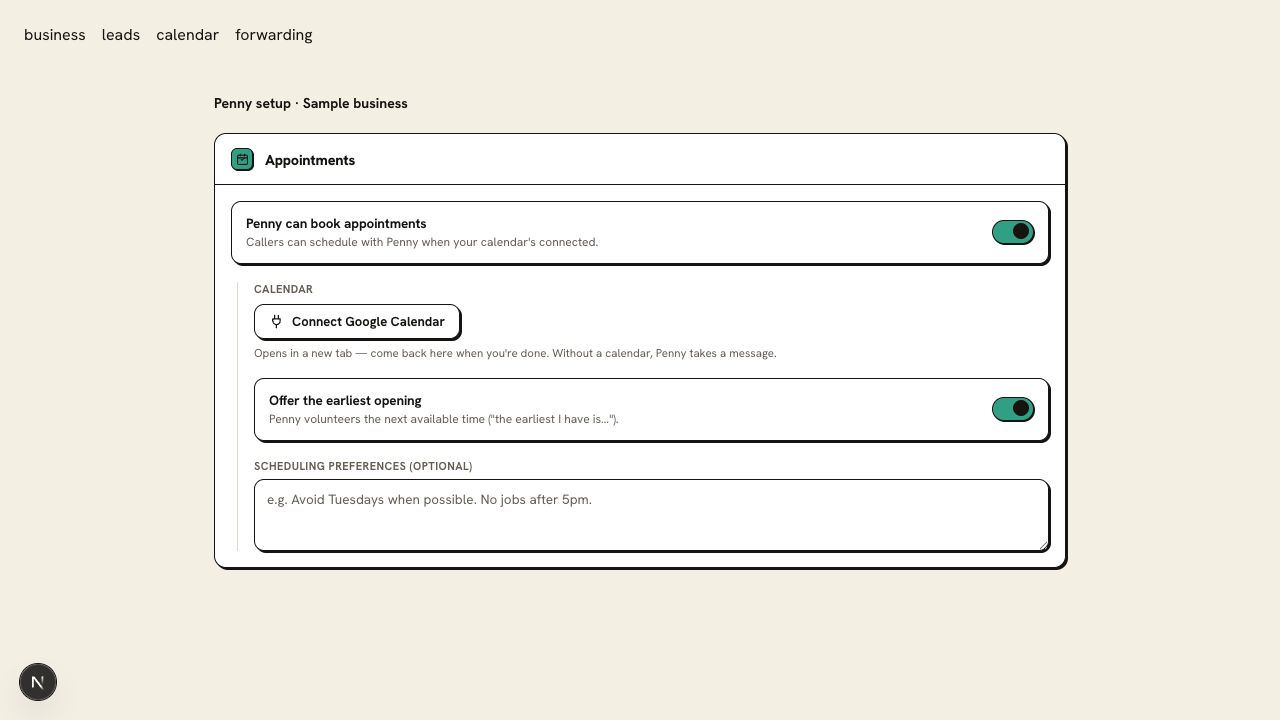
Connect the calendar that holds your working appointments
Choose Google Calendar or Outlook and authorize the account that owns your schedule. Penny reads availability and writes the appointment to the selected calendar.
Choose the shared dispatch calendar if that is where the office books jobs. Your crew keeps using the same calendar, and appointments the office enters by hand stay part of Penny’s availability check.
02
Your Saturday hours count as much as the open space on the calendar
Set your working hours, timezone, and appointment rules. Penny offers times that fit those settings and the connected calendar’s availability.
Check the timezone out loud during a test call. An open slot at the wrong local time is still the wrong appointment. For work that needs an arrival window or an estimate visit, describe that appointment type in your settings.
03
The caller can move Friday’s visit with another call
Penny can reschedule or cancel through the connected calendar. She identifies the appointment and confirms the change after the calendar update succeeds.
Your calendar remains the place to check the current time. A request to change an appointment is recorded separately when the change cannot be completed.
04
Collect the caller’s preferred times when the week is full
When there is no suitable opening, Penny collects the caller’s preferred times and callback details. Your office can review that request against cancellations or additional capacity.
An unconfirmed request stays a request. The caller hears that your team needs to follow up rather than receiving a time that has not been reserved.
05
The appointment carries the details the next person needs
The call log and email give the office the agreed time, callback number, and captured job details. For a no-cool call, that includes the caller’s description of a unit that runs but blows warm. Pro adds text confirmations to the caller.
Example call log · 3:06 PM
Example booking
Upstairs unit runs but blows warm; service address and callback captured; Thursday appointment accepted.
- Rule
- Required intake complete
- Outcome
- Calendar confirmed; booking recorded.
Keep appointment requests distinct from confirmed visits
Send setup or plan questions to support@pennyassistant.com.
Choose the calendar your office uses to assign appointments. Keep existing jobs and blocked time there so Penny’s availability check reflects the schedule your team is working from.
Give Penny a call before you forward yours.
Try the HVAC demo, then set up Penny for your business. Your account includes 14 days of Pro; Free keeps your website chat after the trial.
14 days of Pro included. No credit card.