The mapping to discuss with your office
| Source field | Proposed destination |
|---|---|
| Proposed: property address and unit | Maintenance intake location, subject to mapping review |
| Proposed: caller name and callback | Contact details on the reviewed intake destination |
| Proposed: reported issue and access information | Maintenance request description |
- Direction
- Proposed: Penny intake to a reviewed AppFolio destination. No connector is running from this request page.
- When it happens
- There is no active sync. Connection availability, account access, and delivery behavior must be agreed before setup.
The proposed mapping does not promise resident-account lookup, vendor assignment, or work-order status access. Emergency call rules and your on-call process must work independently of any requested connector.
Prepare a useful connector request
- 1
Describe the maintenance handoff
Use Request connector and identify the AppFolio record your office wants to receive. Describe who reviews it and what happens next.
- 2
List the necessary details
Send field names and a made-up example for property, unit, caller callback, and the reported issue. Leave resident records and credentials out of the request.
- 3
Review access and mapping
Have the account administrator confirm the available connection options. Agree on matching rules, permitted details, and failure handling before enabling a connection.
- 4
Inspect a test before routine use
If a connection is agreed, verify a marked test intake against the office’s maintenance workflow before routing real calls into it.
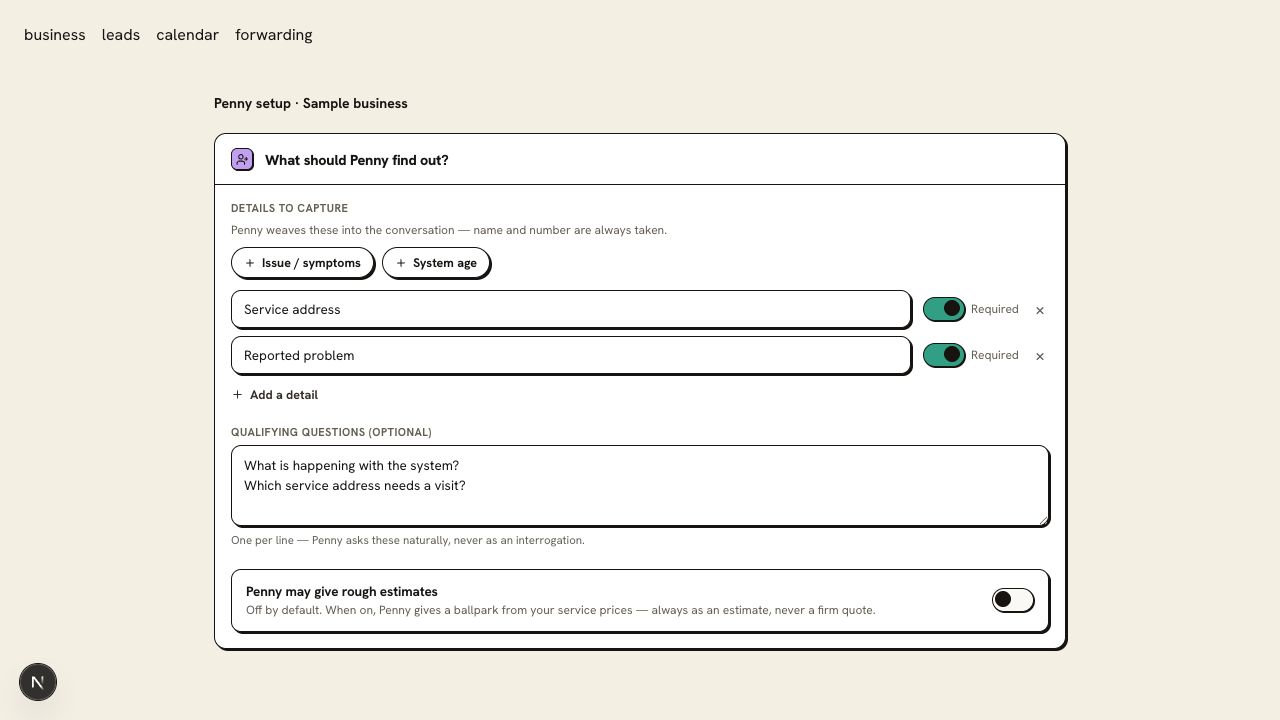
Proposed AppFolio mapping — illustrative only
- Property / unit
- 100 Example Lane, Unit 4
- Reported issue
- Resident says the kitchen tap is leaking
- Callback
- Caller-provided number
- Next step
- Property team’s intake review
What your request should establish
Agree on how a location is matched and where an unmatched unit is sent for review. A sample mapping alone is not enough to authorize a write to a resident record.
Questions about this connection
Can I connect AppFolio from this page?
This page gathers a connector request. Account access, available connection options, matching rules, and scope need review before any connection is agreed. It does not enable an AppFolio sync.
Can Penny take the inquiry while we review this connector?
Penny can capture your configured intake and send it to your office through the call log and email. That gives the team a callback record while the requested connection is reviewed.