Before you begin
- A public website URL with your current business information
- Your office’s approved service and pricing policies
Step 1
Open Knowledge in Settings
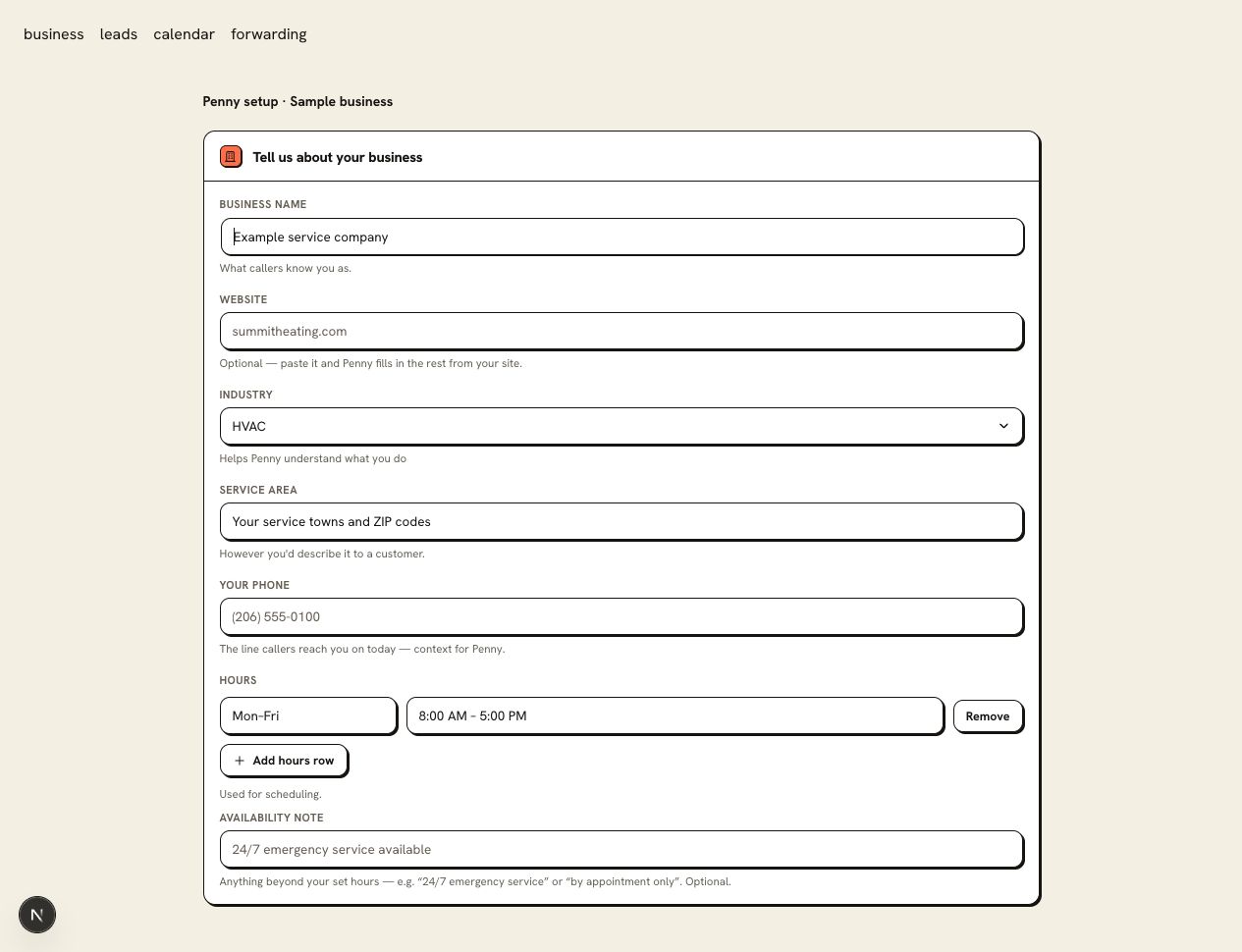
Paste the public website URL in Your website or Update from a URL. Use a page a visitor can open without signing in.
Step 2
Read the imported business information
Check the services, towns served, hours, and FAQ answers against your office’s procedure. A trade pack supplies vocabulary; the website supplies the facts specific to your business.
Step 3
Correct the source and the relevant settings
If an old service or price is still on your site, update it there before re-reading the URL. Check hours and timezone in Business settings as well because they govern booking.
Step 4
Ask a question with a verifiable answer
Ask whether you offer a named service in a town at the edge of your coverage. Then ask about a published policy. Compare the answers with the source page.
You are ready when
Penny’s test answer matches the services, coverage, and policy your business has approved.
If the test does not pass
- A login wall or an image containing all your service text can prevent a useful import. Provide a public page with readable text.
- After changing the site, re-read the URL and review the result. Do not assume a saved copy has refreshed itself.
Questions about this setup
Which page should I start with?
Choose the public page that names your services and where you work, often your homepage or services page. Use readable text and review the imported information against your current business settings.
When should I read the site again?
Refresh after changing your services, prices, policies, or coverage. Update saved hours and timezone as well, then ask a customer’s question to check the answer.